Gravity by Trip Toys Studio
A downloadable game for Windows
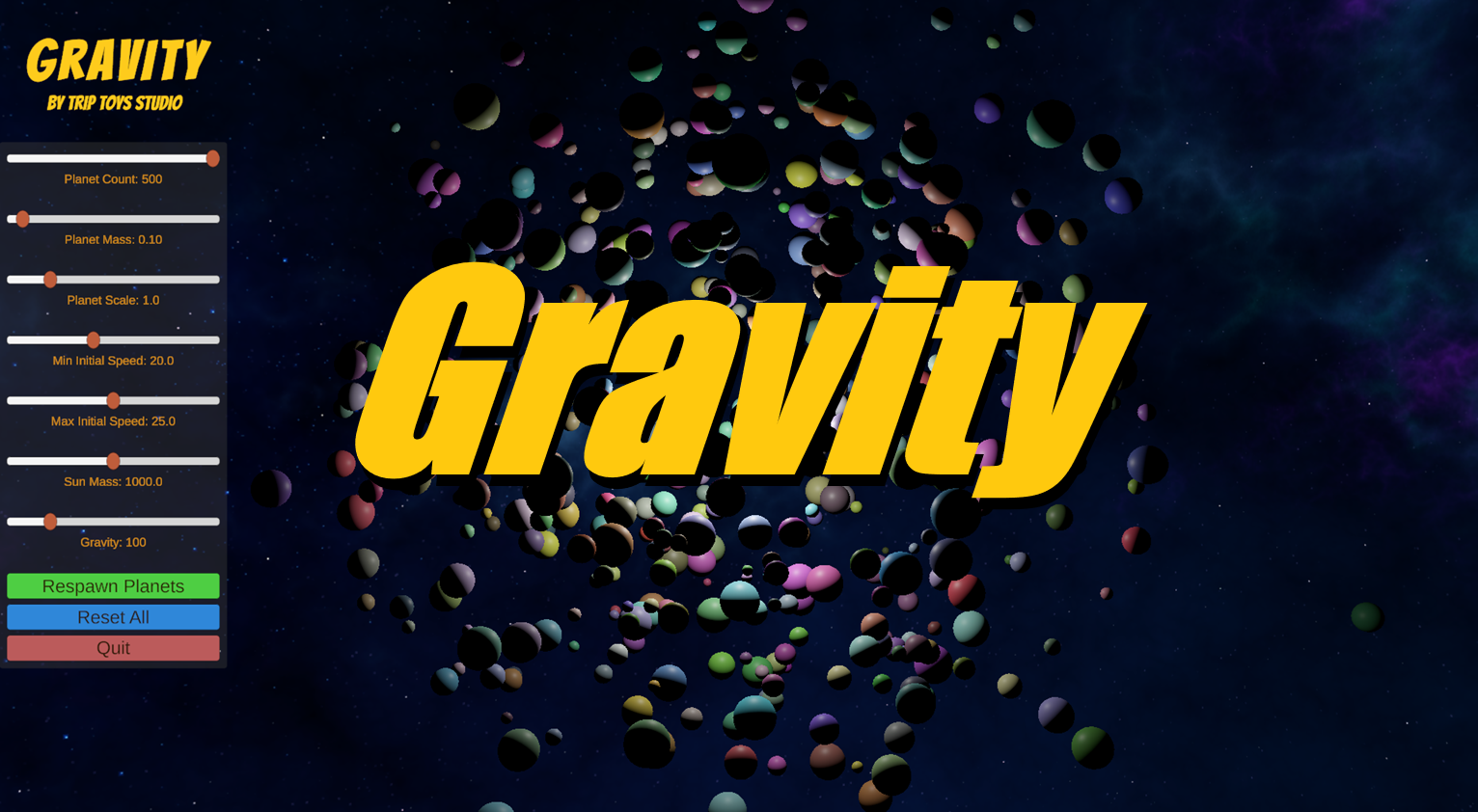
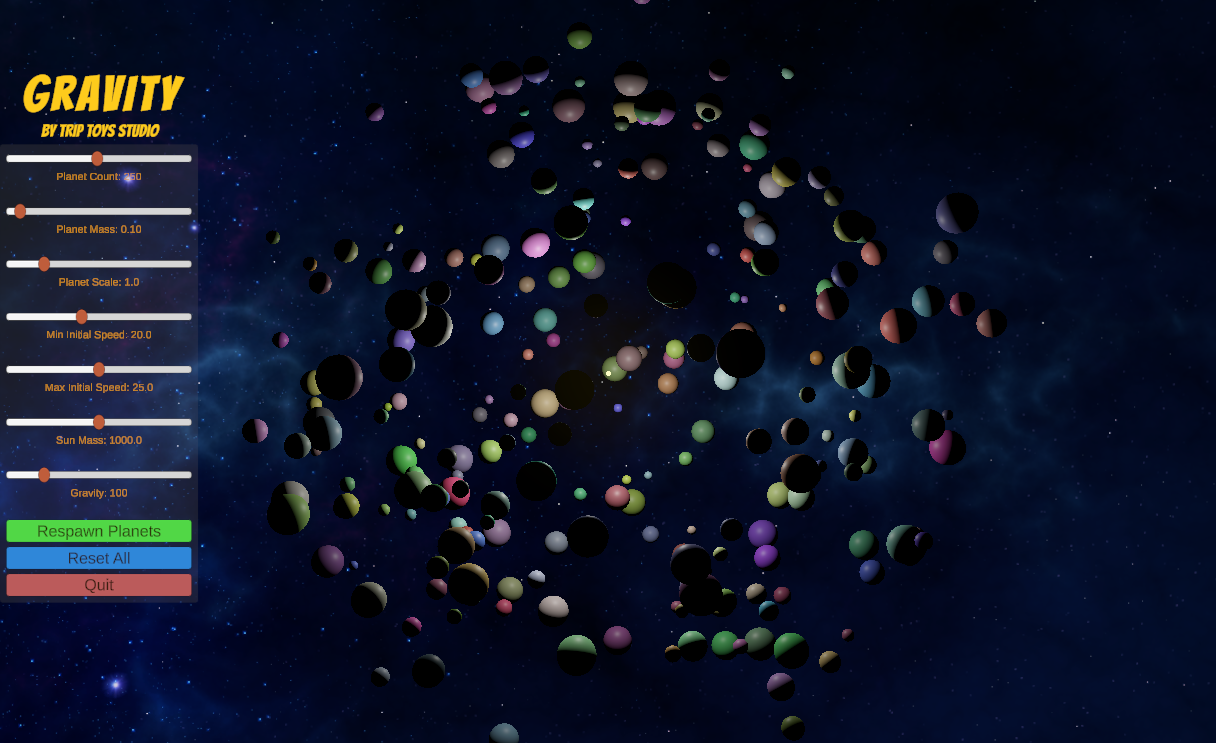
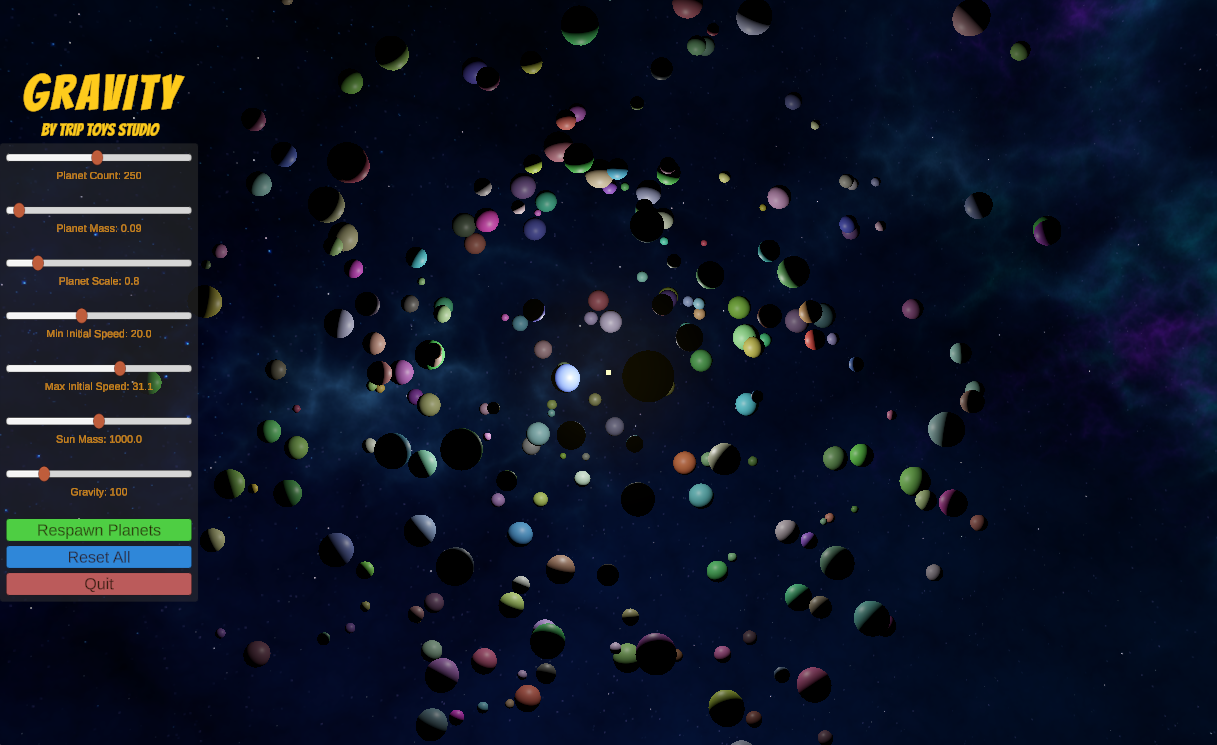
A simple, yet beautiful gravity simulation featuring a central star and random planets that attract each other using Newtonian physics accompanied by relaxing music.
- True mutual gravitational attraction between all bodies
- Planets spawn with random positions, orbital velocities, masses, and colors
- Stable orbits when balanced, chaotic behavior when masses or distances are tweaked
- Adjustable settings for planet count, spawn radius, speeds, etc.
- Glowing star with point lighting and starry skybox
Respawn anytime to try new setups. Minimal controls, it's a pure physics sandbox.
Perfect for watching orbital mechanics or experimenting with gravity.
One of those games that it's just fun to watch!
Download
Install instructions
How to play:
- Click Download and save the ZIP file to your computer.
- Locate the downloaded ZIP file (usually in your Downloads folder).
- Right-click the ZIP file and choose Extract All (built-in Windows tool) — or use a free tool like 7-Zip or WinRAR if you prefer.
- Choose a destination folder (e.g., Desktop or a new folder like "Gravity Sim") and click Extract.
- Open the extracted folder.
- Double-click Gravity.exe to launch the game.
Notes:
- No installation is required — just extract and run.
- Make sure the entire contents (including folders like _Data) stay together in the same folder.
- If Windows Defender or your antivirus flags it, allow it (common for unsigned indie builds).
- The game requires a Windows PC (no Mac/Linux build yet).
That's it — enjoy watching the gravitational chaos!
Leave a comment
Log in with itch.io to leave a comment.